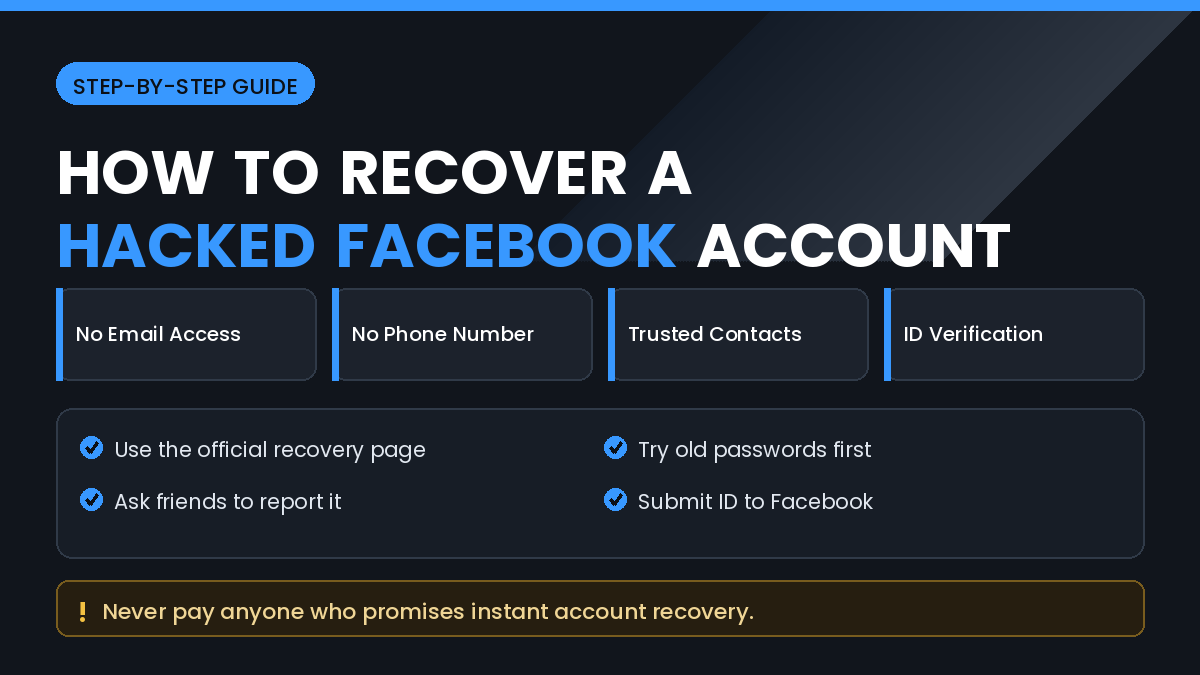
Losing access to a Facebook account is stressful enough on its own. When the attacker has also changed the email address and phone number on the account, the situation feels hopeless because every normal reset option seems closed.
It is not hopeless. Facebook keeps several recovery paths that do not depend on the contact details currently listed on the account, and many people regain access by using them properly rather than repeating the same failed reset attempt.
In this guide, you will learn How to Recover a Hacked Facebook Account Without Email or Phone Number, which official tools actually exist, what evidence Facebook looks for, and which shortcuts will only waste your time or put you at further risk.
Quick Answer
The main route is the official Facebook hacked account page, which walks you through identity checks that do not require access to your old email or phone. It can accept a previously used password as proof that the account was yours.
If that fails, use the report a compromised account flow and be ready to submit a photo of government ID. Facebook uses ID verification specifically for cases where contact details have been changed by someone else.
Try recovery from a device and location you have used before. Facebook considers device history and login patterns when deciding whether a recovery request looks genuine.
Act quickly. The longer an attacker holds the account, the more likely it is that they will remove recovery options, change the name, or get the account disabled for their own behaviour.
Why Recovery Is Still Possible
Facebook does not treat your email and phone number as the only proof of ownership. It also stores a long history of how you used the account.
That history includes the devices you signed in from, the places you normally log in, your friend network, and the passwords the account has used over time.
When an attacker takes an account, they change the surface details but they cannot change that history. This is why recovery flows ask questions that only the real owner would answer naturally.
It is also why recovery is harder for accounts that were rarely used, created recently, or never linked to a real identity.
How to Recover a Hacked Facebook Account Without Email or Phone Number
Work through these methods in order and complete each one fully before moving on.
Method 1: Use the Official Hacked Account Page
Facebook maintains a dedicated page for compromised accounts, and it is the correct starting point.
Step by Step
- Open Facebook in a browser on a device you have used before.
- Go to the official hacked account page from Facebook’s own help section.
- Enter any email address, phone number, or username ever linked to the account.
- When asked, choose the option indicating you cannot access these.
- Enter an old password you previously used on the account.
- Follow the identity checks Facebook offers.
An old password is powerful evidence. Even if it no longer works for login, it tells Facebook that you knew a real credential for the account.
Take the process slowly and answer honestly. Guessing wildly or abandoning the flow halfway can make later attempts harder.
Method 2: Recover Through a Trusted Device
If you are still logged in anywhere, that session is your most valuable asset.
Check every device you own:
- The Facebook app on an old phone or tablet
- Messenger, which sometimes stays signed in separately
- A browser on a home or work computer
- A browser where you saved the password
If any session is still active, immediately change the password, remove unknown email addresses and phone numbers, and sign out of all other sessions.
Do this in that order. Changing the password first prevents the attacker from undoing your other changes while you work.
Method 3: Submit Identity Verification
When contact details are fully controlled by someone else, Facebook can verify you through official identification.
What to Prepare
- A clear photo of a government-issued ID
- The full name exactly as it appears on the account
- The approximate date the account was created
- An email address you control right now for the reply
Make sure the ID photo is sharp, uncropped, and readable. Blurred or partial images are a common reason for rejection.
The name on your ID should match the name on the account. If the attacker changed the account name, explain that clearly in the form.
Responses can take several days. Avoid submitting the same request repeatedly, as duplicate submissions can slow the review.
Method 4: Ask Friends to Report the Account
Reports from real friends help Facebook confirm that an account is behaving abnormally.
Step by Step
- Contact a few close friends outside Facebook.
- Ask them to open your profile.
- Tell them to use the report option on the profile.
- Ask them to choose the compromised or impersonation reason.
- Ask them not to interact with any messages sent from the account.
A handful of genuine reports is more useful than dozens of random ones. Do not ask strangers or use services offering mass reporting.
Method 5: Check Whether the Attacker Left Traces
Before assuming your email is beyond reach, check the account that was originally attached.
Search your inbox, including spam and trash, for security notifications from Facebook. These messages often contain a link allowing you to reverse a recent email change.
That reversal link is time limited, so search carefully and act on it immediately if you find one.
Also check whether your email account itself was compromised. If the attacker reached Facebook through your email, securing Facebook alone will not be enough.
Things to Check Before Trying Advanced Solutions
Confirm the Account Was Hacked
Sometimes an account is not hacked but disabled, restricted, or logged out due to a policy issue. The recovery path is completely different, so read any message Facebook shows carefully.
Check for a Duplicate Profile
Occasionally the real account is untouched and someone has created a copy using your photos. In that case you need the impersonation report rather than account recovery.
Secure Everything Else First
Change the password on your email account and any service that shared the same password. Recovering Facebook while your email remains compromised usually leads to a second takeover.
Common Mistakes to Avoid
Do Not Pay Anyone Promising Recovery
No individual can restore a Facebook account faster than Facebook. People advertising guaranteed recovery are almost always running a scam, and paying them often leads to further loss.
Do Not Create a New Account Immediately
Creating a duplicate profile can complicate identity verification for the original account. Wait until recovery is genuinely exhausted.
Do Not Share Verification Codes
Never share a login code with anyone, including someone claiming to be support staff. A person asking for your code is trying to take control, not help you.
Do Not Use Unofficial Recovery Tools
Browser extensions and downloadable tools claiming to restore accounts commonly steal credentials. Use only pages hosted on Facebook’s own domain.
Do Not Abandon the Form Halfway
Partial submissions provide little evidence. Complete each recovery flow to the end, even if some questions are difficult.
When to Get Professional Help
Most personal accounts are recovered without outside help, but some situations justify escalation.
Consider further help when:
- A business page or advertising account with real financial value is involved
- Money has been taken through a linked payment method
- The attacker is impersonating you to defraud others
- Your identity documents were exposed in the breach
- Multiple accounts were compromised at once
In cases involving money or fraud, report the incident to your bank and to local authorities. If your business relies on the page, an established digital agency with direct platform support access may be able to escalate the case.
Frequently Asked Questions
Can I recover a Facebook account without email or phone?
Yes. Facebook offers recovery through old passwords, device history, and identity verification, none of which require access to the current contact details.
How long does Facebook account recovery take?
Simple cases can resolve within minutes. Cases requiring identity review usually take several days, and complex cases can take longer.
What if I do not remember any old password?
Continue with identity verification instead. An old password helps but is not the only route available.
Will Facebook ever contact me by phone?
No. Facebook does not call users about account recovery. Anyone phoning you about a hacked account should be treated as a scammer.
Can I recover an account that was deleted by the hacker?
Possibly, if you act within the deletion grace period. Log in during that window and cancel the deletion request.
Should I report the account to Facebook myself?
Yes, use the compromised account flow. Combining your own report with reports from friends gives a clearer signal.
Why does Facebook keep rejecting my ID?
Common reasons are unclear photos, cropped edges, expired documents, or a name that does not match the account. Resubmit with a clean, well-lit image.
How do I stop this happening again?
Turn on two-factor authentication, use a unique password, review authorised apps, and check active login sessions regularly.
Final Thoughts
Understanding How to Recover a Hacked Facebook Account Without Email or Phone Number starts with using the official recovery flows properly rather than repeating password resets that cannot work.
Old passwords, familiar devices, and identity verification are the three routes that matter most. Used together, they give Facebook enough evidence to act.
Support from real friends through genuine reports adds weight, and searching your old inbox for a change-reversal link is worth the few minutes it takes.
Throughout the process, protect yourself from the second wave of harm. Scammers actively target people who have just lost an account, so avoid paid recovery offers and never share codes.
Once you are back in, spend ten minutes securing the account properly. Two-factor authentication and a unique password prevent nearly all repeat takeovers.